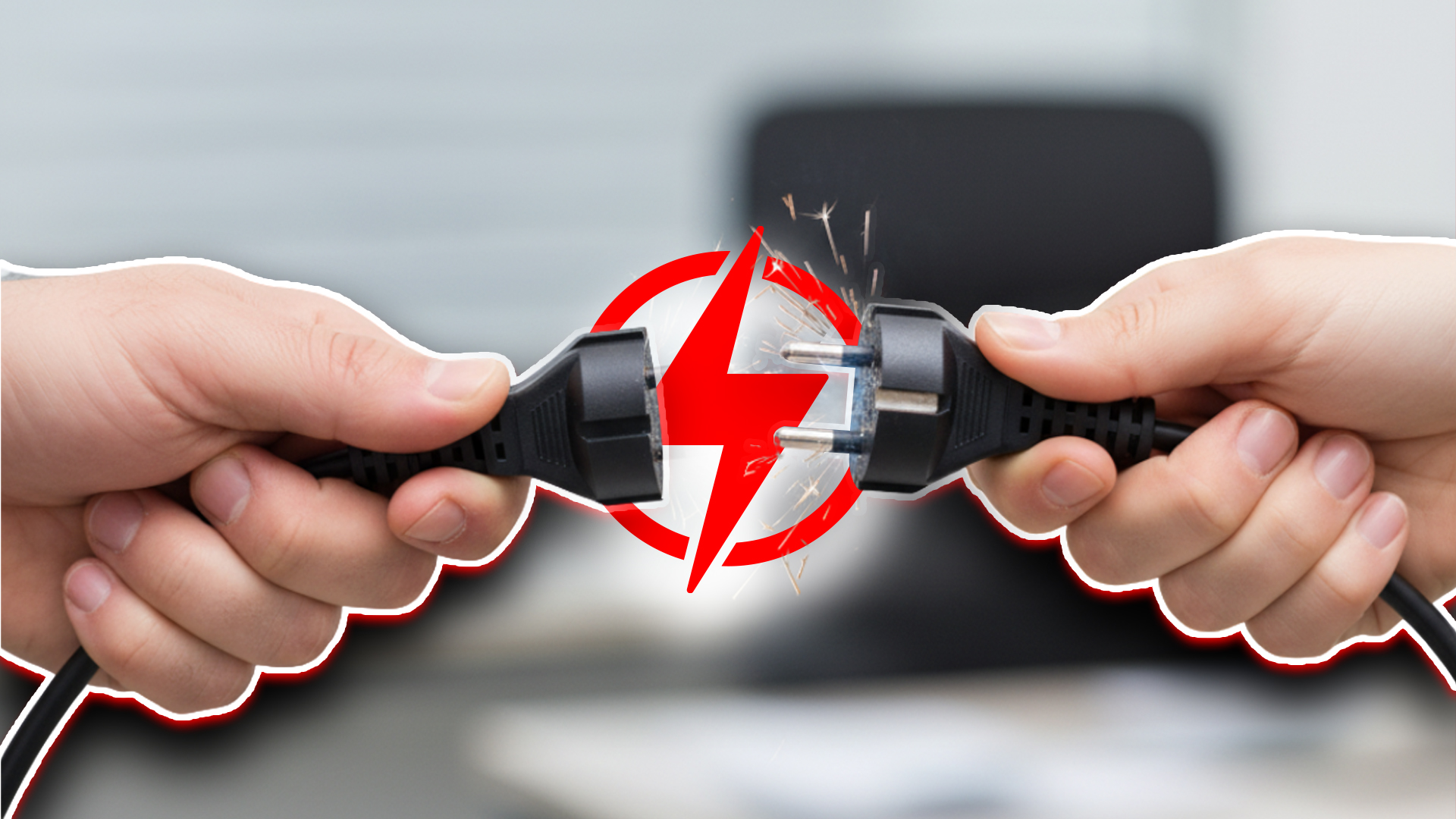
You’re Wasting Power You Don’t See
Here’s the thing nobody thinks about:
The internet isn’t some invisible, weightless cloud. It’s power-hungry.
If the internet were a country, it would rank among the world’s top energy consumers. Data centres alone chew through more electricity than entire nations. Every email, every file, every video call.. it all adds up to a massive digital carbon footprint.
Sustainability in IT isn’t about grand gestures. It’s about small, smart changes that make systems leaner, cheaper, and greener. The bonus? These moves also boost performance and cut costs.
Here’s how:
Step 1: Put Devices on a Power Diet
Leaving computers running 24/7 is like leaving your car idling in the driveway all night. It wastes fuel, racks up costs, and gets you nothing in return.
Instead:
- Turn on sleep mode.
- Set displays to shut off after inactivity.
- Kill “always on” habits that keep equipment running when nobody’s around.
Those tweaks take seconds but can cut serious energy waste.
Step 2: Upgrade to Energy-Smart Hardware
Old tech doesn’t just slow you down.. it guzzles electricity like a pickup in rush hour traffic.
The fix?
- Swap out decade-old desktops for modern, energy-efficient machines.
- Look for ENERGY STAR-certified gear designed to sip power, not chug it.
- Replace clunky hard drives with SSDs. Faster. Cleaner. Greener.
Think of it as trading in your gas-guzzler for a hybrid. You’ll feel the difference on day one.
Step 3: Stop Running Equipment on Autopilot
Most businesses run way more hardware than they need.. 24/7. Printers, servers, and desktops sit powered on like forgotten lights in an empty office.
Schedule downtime.
- Power down printers between jobs.
- Automate shutdowns after work hours.
- Put idle equipment into sleep mode.
If a machine isn’t working for you, it shouldn’t be working at all.
Step 4: Clean Up Your Digital Clutter
Here’s a hidden cost: every file stored takes up physical space on a server somewhere, which eats electricity every second of every day.
Translation: your messy desktop and years-old backups aren’t just annoying; they’re environmental waste.
The fix is simple:
- Delete dead files and outdated backups.
- Compress large files.
- Archive inactive data.
Less clutter = less storage = less energy.
Step 5: Reduce E-Waste Like a Pro
The graveyard of old computers and busted monitors in your storage closet? That’s future landfill; and a toxic one at that.
Smarter moves:
- Donate still-working devices to nonprofits or schools.
- Refurbish old gear for a second life.
- Recycle dead devices through certified e-waste programs.
Every device you keep out of a landfill is one less problem for the planet.
The Bottom Line
Technology is the backbone of your business, but it doesn’t have to be a drain on the planet. Small shifts, power diets, smarter hardware, cleanup routines add up fast.
The question is simple:
Do you want IT that wastes energy?
Or IT that works harder, smarter, and greener.. for your business and the planet?
Call us at (916) 441-3838 or complete the form below and we'll help in any way we can.
"*" indicates required fields